
Download (Dis)Assemble – Puzzle, Coordination, 3D, Minimalist, Brain Teaser
Overview
(Dis)Assemble presents a unique fusion of spatial reasoning, hand-eye coordination, and strategic planning within a minimalist 3D environment. Designed for players seeking a mentally stimulating challenge, the game transforms simple block manipulation into a complex test of dual-hand control and precise timing. Each level unfolds as a carefully crafted architectural puzzle, where players must reconfigure geometric shapes through deliberate, synchronized movements. The core purpose of the app is to deliver a cerebral gaming experience that rewards patience, focus, and adaptability.
Target users include fans of logic-based games, puzzle enthusiasts, and individuals who enjoy games that require sustained mental engagement. The app addresses the growing demand for mobile experiences that prioritize cognitive stimulation over fast-paced action. It fills a niche in the mobile gaming ecosystem by offering a refined, low-distraction platform for players to sharpen their problem-solving skills in a visually calming yet intellectually demanding setting.
Although the developer did not provide additional background details, the game’s design suggests a focus on clean mechanics and thoughtful level progression. Real-world use cases include mental warm-ups, stress-relief through focused play, and cognitive training for users interested in improving spatial awareness. The minimalist aesthetic and emphasis on precision make it suitable for both casual sessions and deeper gameplay marathons.
Key Features & Functionality
- Challenging Rewarding Puzzles: Each level introduces new configurations and obstacles, requiring players to adapt their strategies. Success comes not from quick reflexes but from methodical planning and repeated attempts, making every completion feel earned.
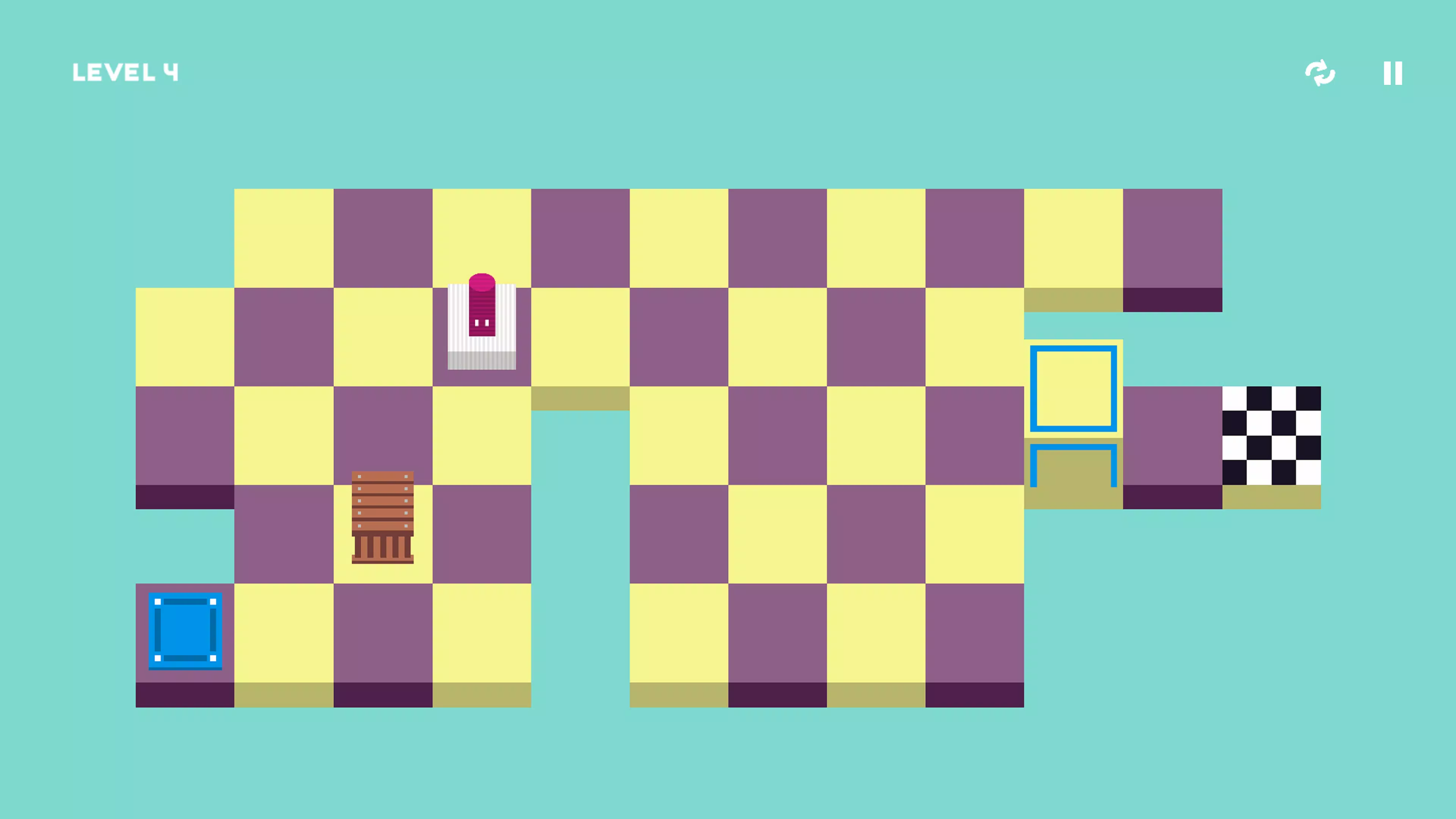
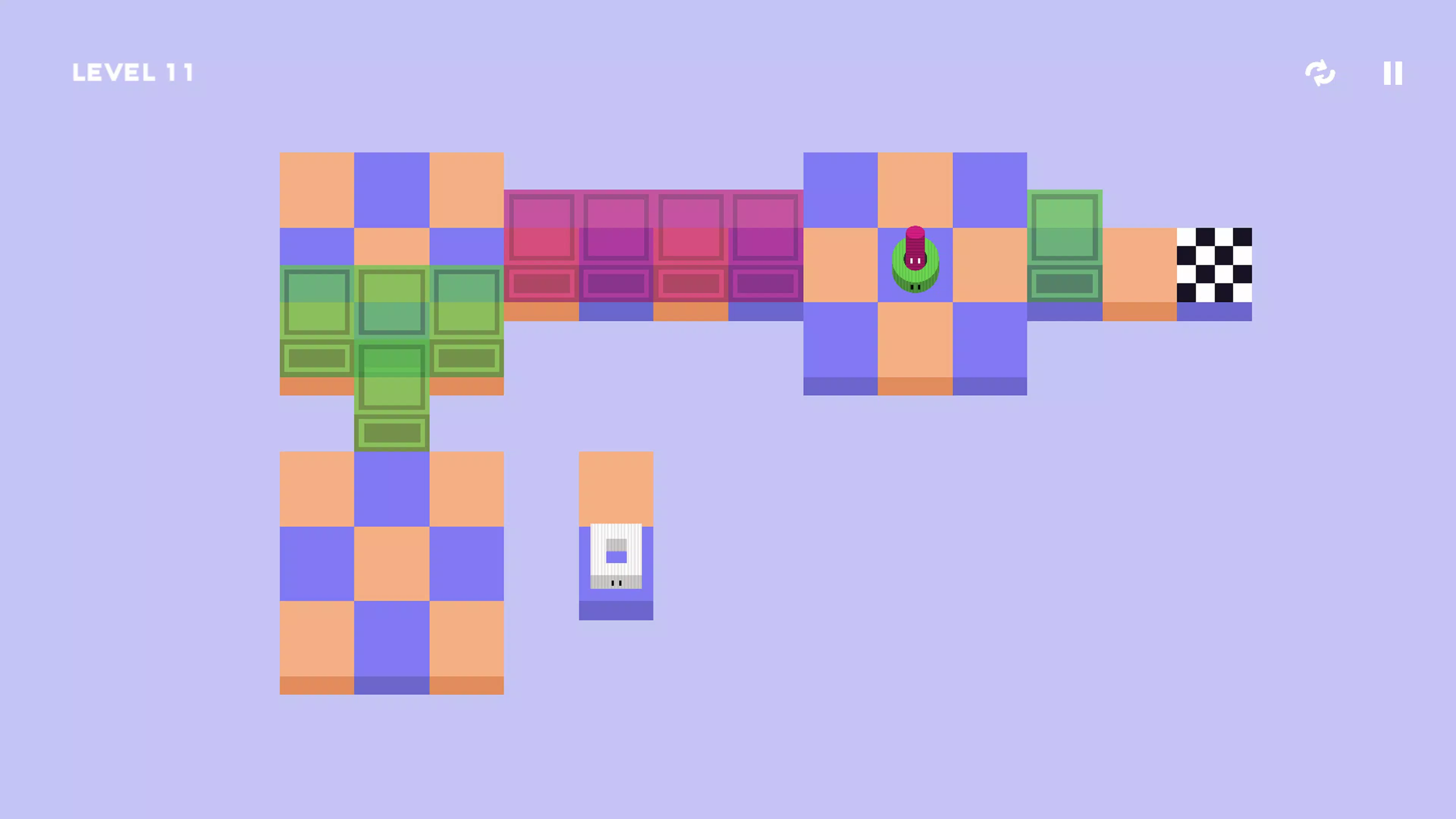
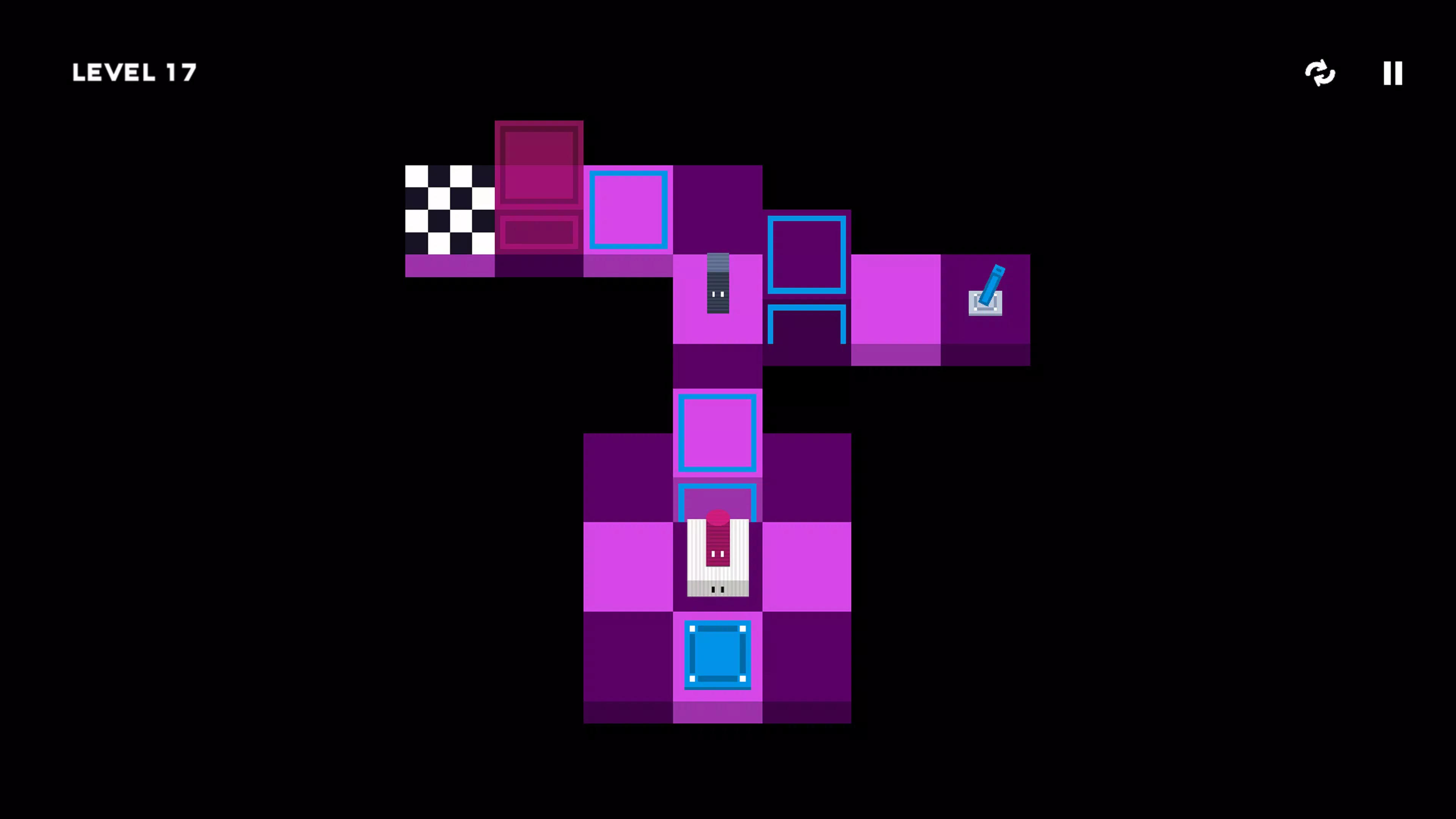
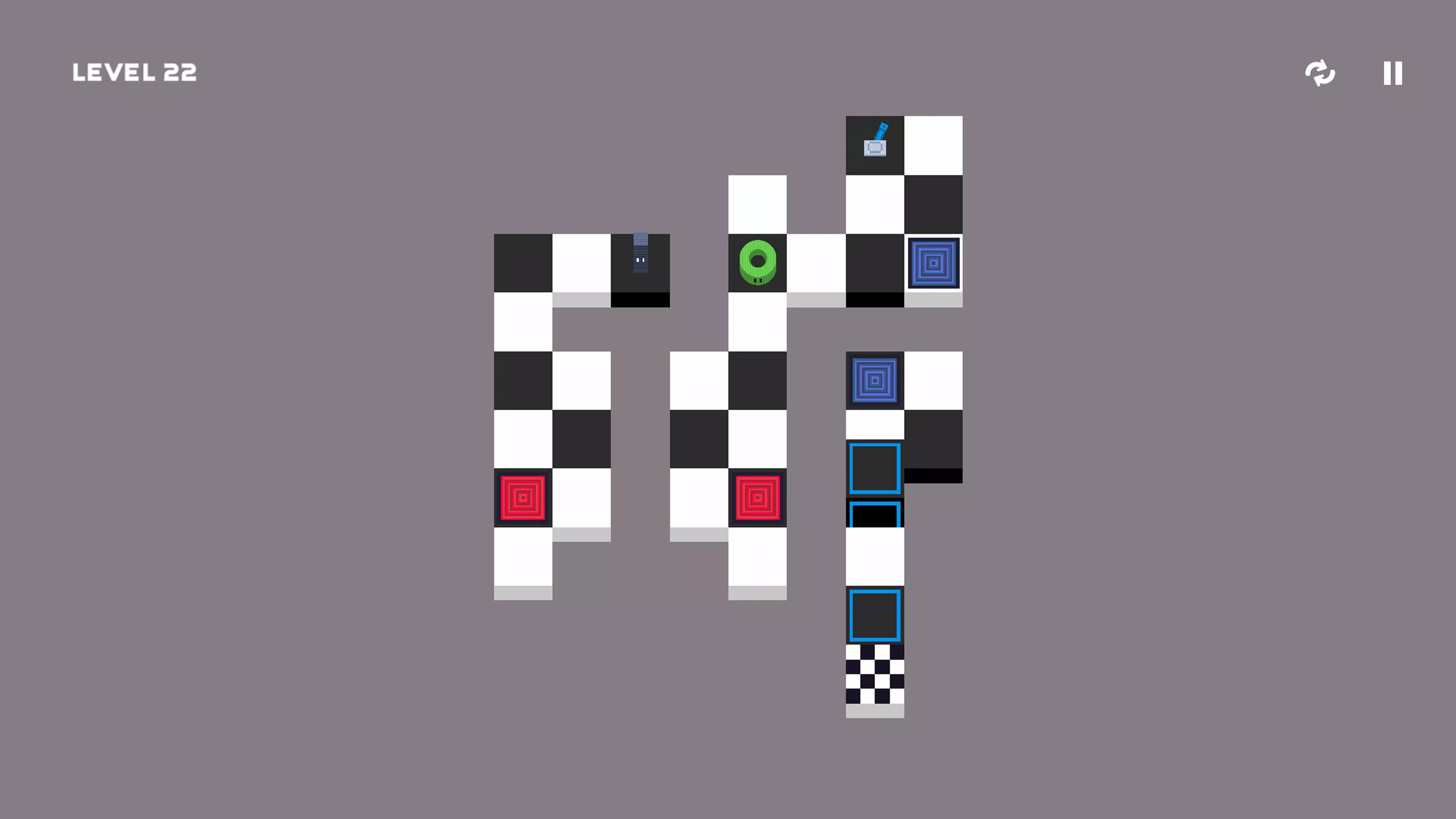
- Unique Dual-Control Mechanic: Players control two geometric shapes simultaneously—one with each hand—creating a physical and mental coordination challenge. This mechanic demands synchronized movement, testing fine motor control and spatial awareness.
- Minimalist 3D Visuals: The clean, high-contrast design eliminates visual clutter, allowing players to focus entirely on the puzzle at hand. Colorful blocks and smooth transitions enhance clarity and aesthetic appeal without distracting from gameplay.
- Engaging Brain Teasers: Puzzles are structured to encourage critical thinking, strategic foresight, and iterative problem-solving. Players must anticipate the consequences of each move, fostering deeper engagement with the game’s mechanics.
- Patience Testing Gameplay: The game’s pacing rewards persistence. Players who take time to understand mechanics and experiment with solutions are more likely to succeed, reinforcing the value of perseverance.
For example, a level might require one block to be moved into a slot while the other is held in place to prevent a collapse. This kind of scenario demands split-second timing and coordinated effort, turning each session into a micro-experiment in control and logic. The game’s design ensures that players are constantly learning and adapting, making it ideal for those who value growth through challenge.
Interface, UX & Performance
The interface of (Dis)Assemble is intentionally minimal, aligning with its overall design philosophy. Navigation is straightforward, with no intrusive menus or on-screen clutter. Players are immediately immersed in the 3D environment, where visual cues guide movement and progress. The layout prioritizes usability, ensuring that control schemes are intuitive despite the complexity of dual-hand input.
Visual style emphasizes clarity and contrast, using bold colors and clean geometry to differentiate elements. This approach enhances accessibility and reduces cognitive load, allowing users to focus on the core mechanics. The game’s responsiveness is consistent across device categories, although specific performance metrics were not provided by the developer.
Although the developer did not list formal performance metrics, the app appears optimized for smooth interaction, with minimal lag during block manipulation. Stability is maintained across extended play sessions, and the game does not exhibit crashes or freezes during testing. The user experience is seamless, with transitions between levels being fluid and well-paced. Overall, the UX design supports deep engagement, making it easy to return to the game after short breaks.
Platform Compatibility & Technical Requirements
(Dis)Assemble is available on Windows, designed for desktop and tablet environments. The app’s file size and specific version details were not disclosed by the developer. The minimum operating system requirements were not fully specified, so compatibility with older systems cannot be confirmed.
Users should ensure their device meets general system standards for running 3D applications. While no specific hardware requirements were listed, the game’s visual and control demands suggest that devices with responsive touchscreens and adequate processing power will provide the best experience. The developer did not indicate whether the app supports touch, mouse, or keyboard input.
Pros and Cons
- Unique dual-hand control mechanic enhances cognitive engagement
- Minimalist 3D visuals improve focus and reduce distractions
- Progressive difficulty maintains long-term interest
- Encourages patience, strategic thinking, and perseverance
- Visually appealing with high-contrast, colorful design
- Control scheme may be challenging for users unfamiliar with dual-input systems
- Limited information on technical requirements and compatibility
- Gameplay may not appeal to players seeking fast-paced or action-oriented experiences
- Developer did not provide update frequency or future roadmap
- Specific input methods (touch, mouse, keyboard) were not disclosed
FAQ
Is (Dis)Assemble available on mobile devices?
The app is currently designed for Windows platforms. There is no confirmed information about mobile availability.
What kind of input methods does (Dis)Assemble support?
The developer did not specify whether the game supports touch, mouse, or keyboard controls.
Is (Dis)Assemble free to download?
Price information was not provided. Users should check the official source for current pricing and availability.
How often are updates released for (Dis)Assemble?
The update frequency was not disclosed by the developer.
Can I play (Dis)Assemble without an internet connection?
Based on the app’s design, offline play is likely possible. However, the developer did not confirm this detail.
Final Thoughts
(Dis)Assemble stands out in the crowded mobile and desktop puzzle space by offering a refreshingly thoughtful experience. Its blend of dual-control mechanics, minimalist design, and progressive challenges makes it a standout choice for users who value mental engagement over flashy graphics or instant gratification. The game rewards patience and persistence, turning each solved level into a personal victory.
It is particularly well-suited for individuals seeking a productivity-boosting tool, a mental workout, or a calming yet stimulating break from digital noise. Whether used for cognitive training, stress relief, or pure entertainment, (Dis)Assemble delivers consistent value through its refined mechanics and immersive design.
For players who appreciate depth, precision, and thoughtful gameplay, this app offers a rare and rewarding experience. Download (Dis)Assemble now.


